Gallery image overlays — pick a style
Four ways to put an editorial headline + supporting line on a product-gallery image, in the Caraway spirit but in Jessar's Soft-Modern look. All four are powered by the same metaobject — your team writes the words (English + French) in Shopify admin, picks a style, and the page renders it. No designer, no re-render. Toggle the language to see the text switch.
Editorial band below the image. Closest to the Caraway reference you flagged. Text never fights the photo, reads beautifully on any image (light or dark), and the band can carry your scheme colour. Safest, most legible — the workhorse.
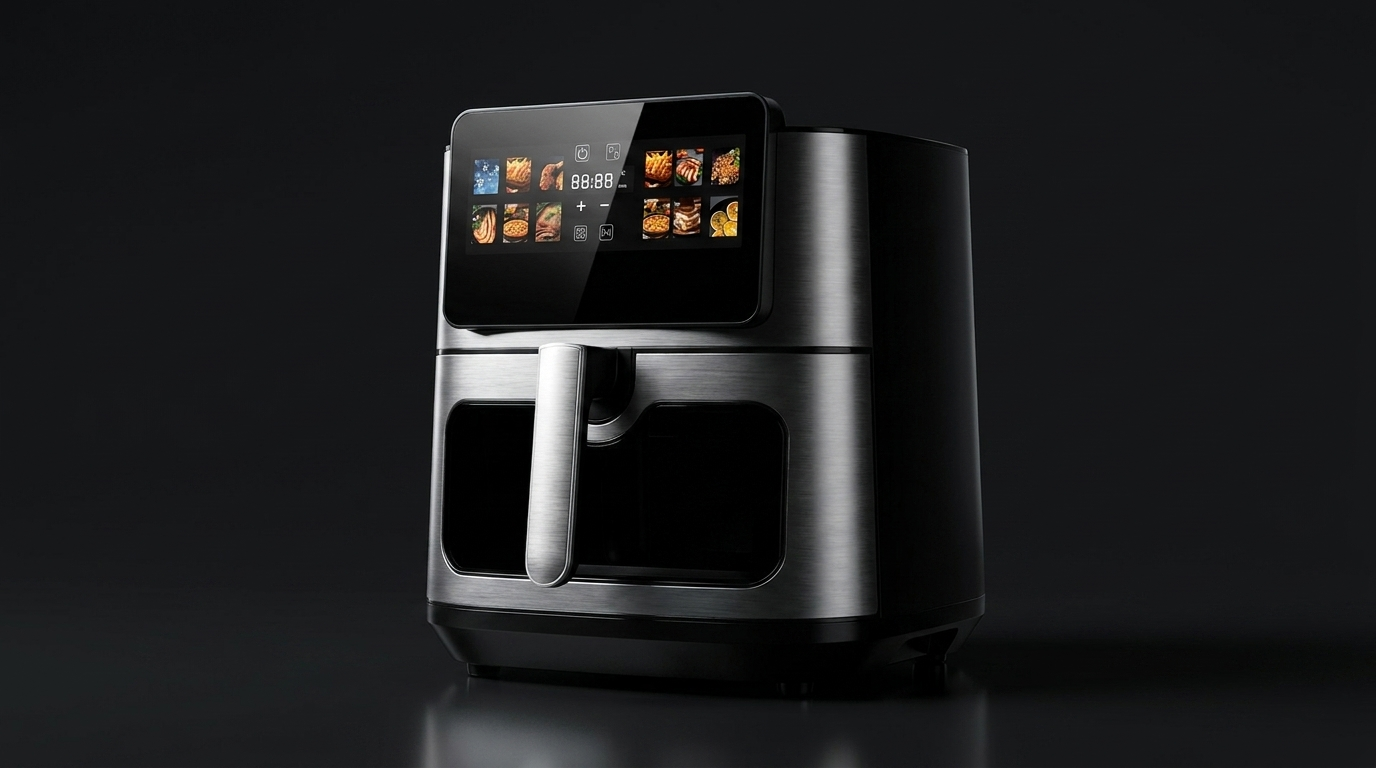
Text on the image, over a soft gradient. Most immersive — image and message read as one. Best on lifestyle / in-context shots with a darker lower third; needs a gradient scrim so the words always hold. Premium and modern.
Image one side, text panel the other. A magazine spread. Great for a hero "feature spotlight" slide where the copy deserves room. Image side can flip left/right per entry. Reads as deliberate and high-end.
A small, restrained chip in the corner. The lightest touch — labels a detail without dominating the image. Good when the photo is the star and you just want a quiet pointer. Subtle, confident, never busy.
How it's powered — one metaobject
A “Gallery Overlay” metaobject holds the image and its words. Each product gets a list of them (jessar.gallery_overlays), in order. Your team adds/edits entries in admin — image, copy, language, and which style — and the PDP renders them. The style field switches between A / B / C / D per entry, so one product can mix a band and an overlay. EN/FR is handled by Shopify's translation layer (Translate & Adapt) on the same fields.
Why a metaobject (not plain metafields): it keeps the image + its caption + its style together as one reusable unit, lets a product carry any number of captioned images, and avoids the brittle job of matching loose text to gallery slots. Simpler metafield-only version is possible if you'd rather — it just caps you at a fixed slot per product.
Concept artifact for selection. Copy shown is illustrative (air-fryer touchscreen). On the live theme each overlay renders from the metaobject — wording, language, image and style all controlled in Shopify, the photography untouched.