Product Imagery — Production & QA Pipeline
We proved the quality bar on 7-99374 (dial · control panel · long slot). The open question is how to repeat that across the catalogue without you personally catching every error — the missing dial, the too-skinny body, the cream-vs-white, the garbled icon. This document is the design for that system, for your review before we build it. The core idea: turn the validation you've been doing by eye into an independent vision-QA agent that grades every shot against a per-SKU spec, auto-rerolls failures, and only escalates survivors. You move from catching errors to approving pre-vetted winners.
01Why the errors happened
Every miss this session traces to the same root cause — missing structured ground truth. Nothing told the system what was true about the product, so it guessed. Encode the truth once per SKU and both the generator and the checker have an objective target to hit and to grade against.
02The pipeline, end to end
Seven steps. Green steps run automatically; the amber step is the only point where you're needed — and only on a short, pre-vetted list.
03The per-SKU spec sheet — the biggest lever
One structured record per SKU, built once (an agent drafts it from the packshot + description; locked after a quick human glance). It feeds the generator's prompt and becomes the answer key the QA agent grades against. Worked example below — 7-99374, exactly the facts that would have prevented every error this session.
| Body colour | Matte white — neutral white balance. NOT cream / ivory / beige. |
| Proportions | Wide, squat, broad — clearly wider than tall. Shoot 1:1 or wider; never portrait. |
| Finish / accents | Matte body, polished chrome bezel, base trim, lever, slot trim. |
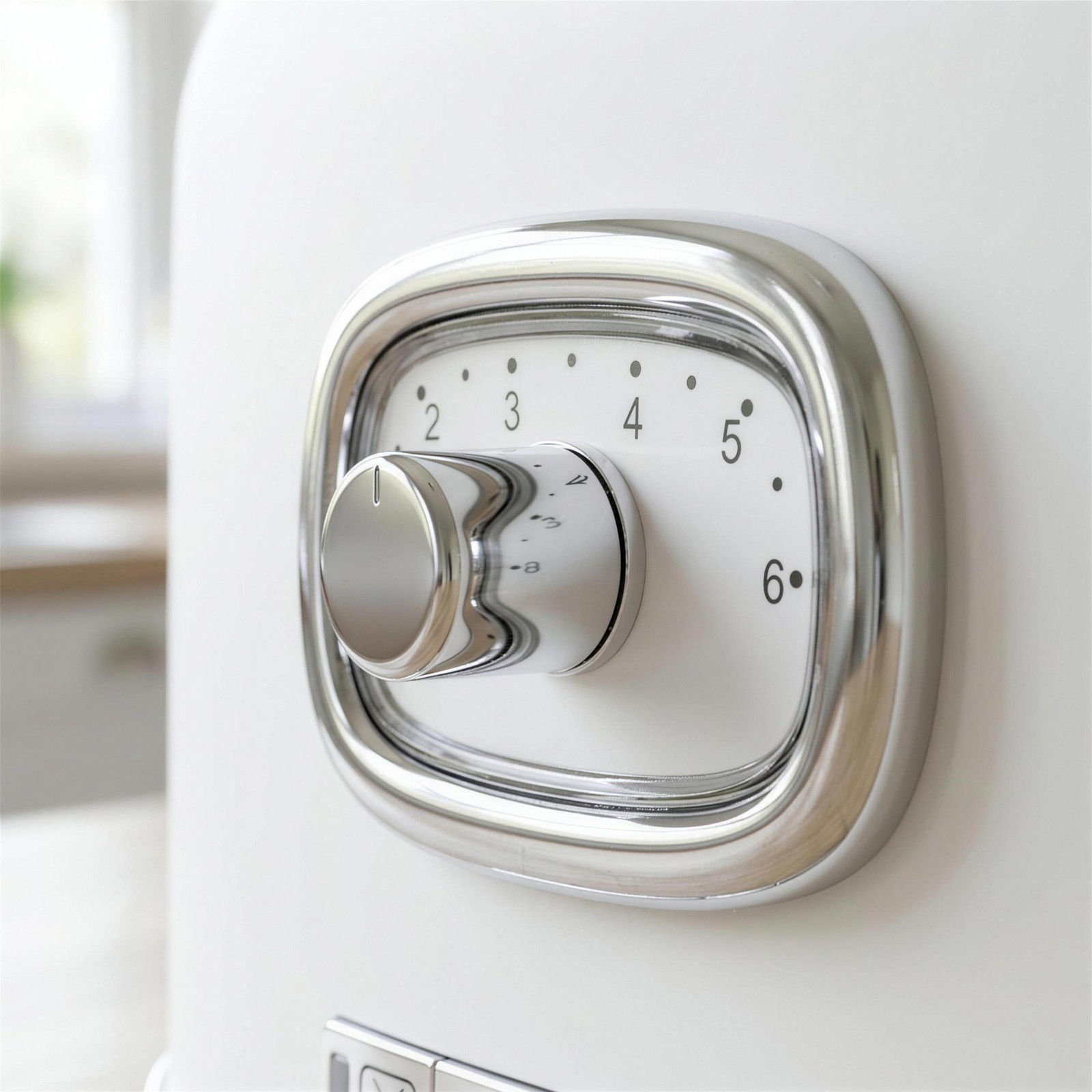
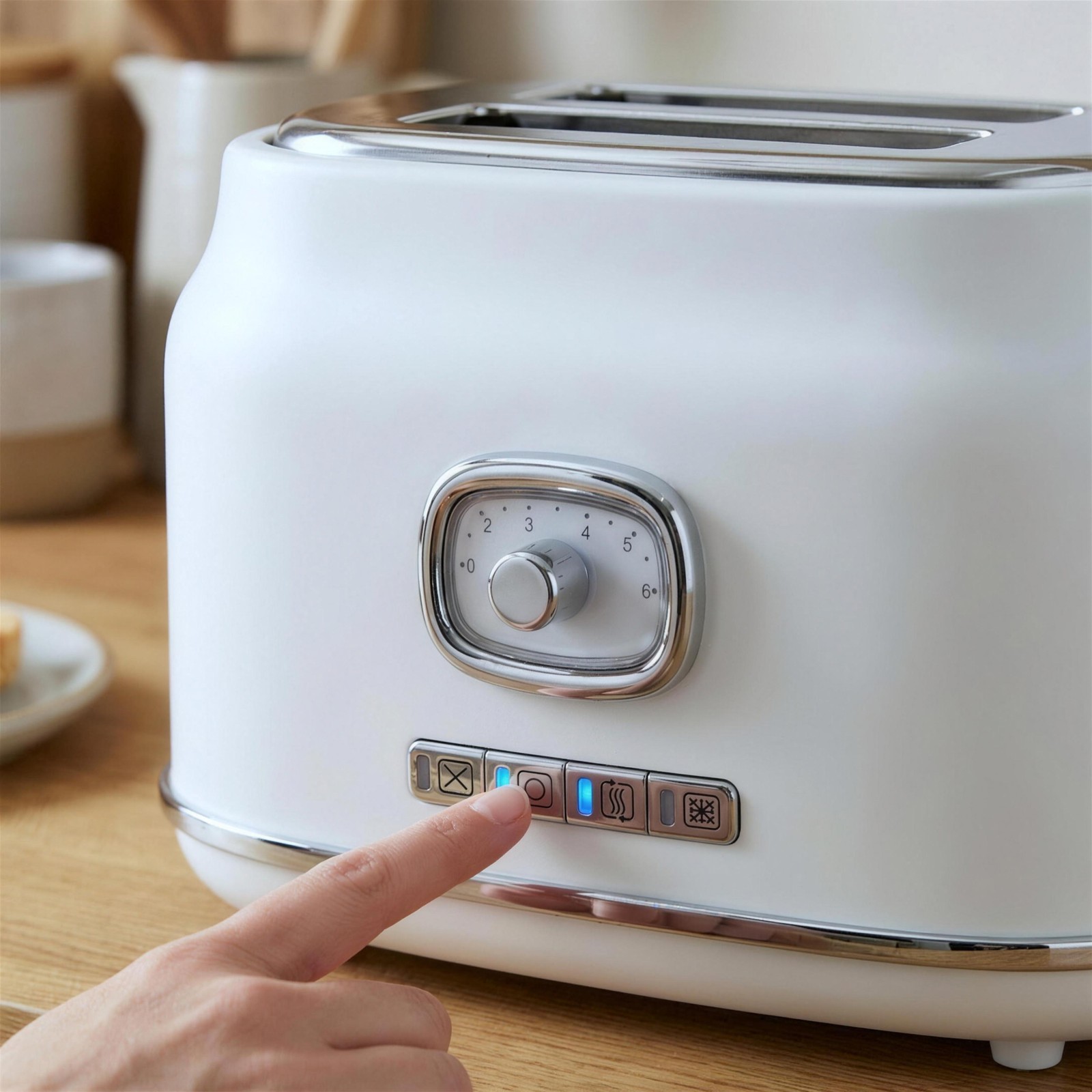
| Feature · dial | Browning control, upper-mid front. Chrome rounded-square bezel, single knob offset left, scale 1–6 + dot marks. |
| Feature · buttons | Four one-touch functions, unified chrome strip, lower front, directly under the dial, above base trim. L→R: ✕ Cancel · ◯ Bagel · ≋ Reheat · ❄ Defrost, each with a blue LED. |
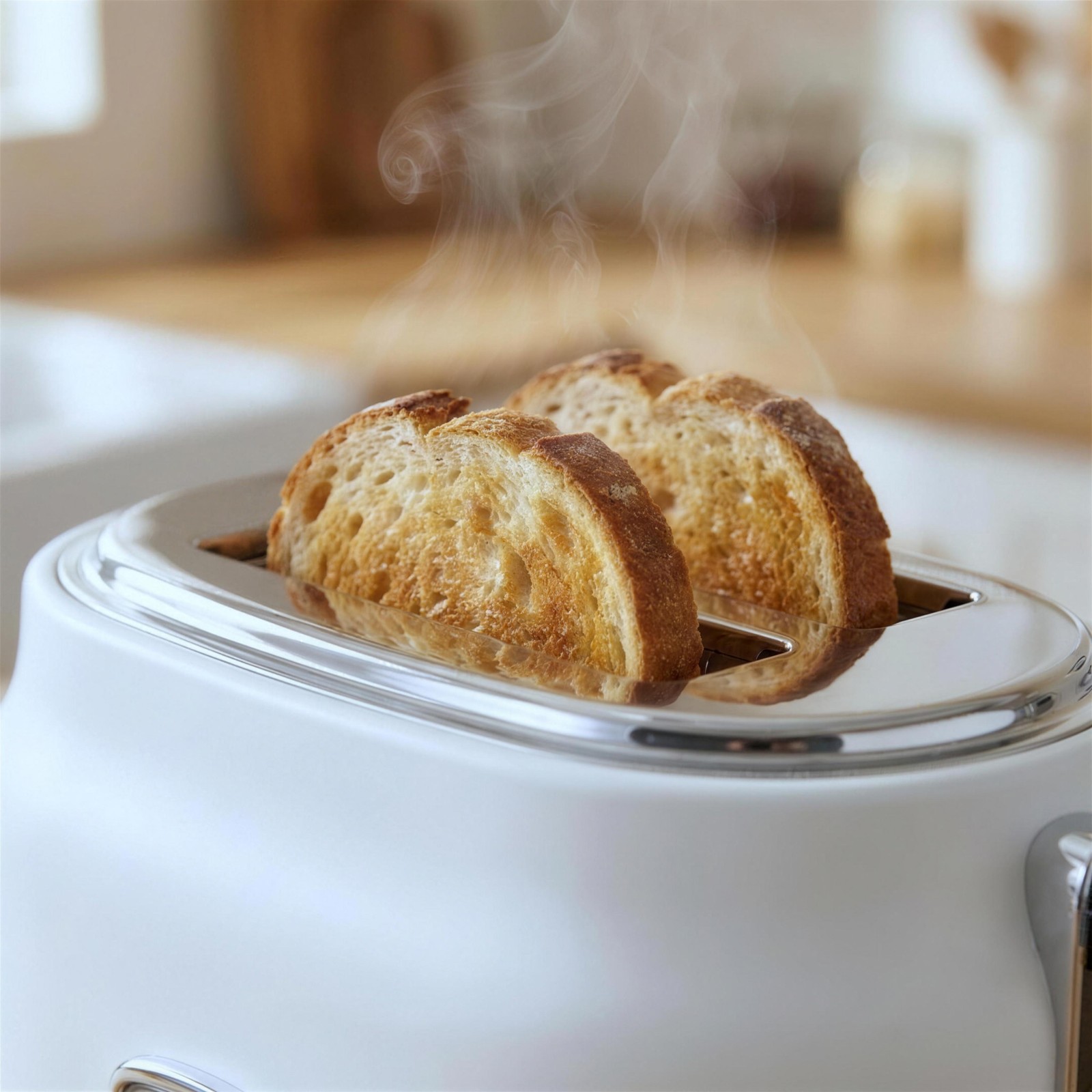
| Feature · slot | Single extra-long slot running end-to-end along the top (lengthwise). Chrome trim. (Note: box copy says "Wide Slot" — naming TBD.) |
| Other | High-lift lever (right side), chrome feet, 900W. |
| Discard — do NOT render | Self-centering mechanism · crumb-tray interior · under-base cord storage · heating elements. Not visible on the packshot → never invent. |
04The vision-QA agent — the error catcher
A separate multimodal model (not the generator) grades each candidate against the spec + packshot on a fixed checklist, returning pass/fail + confidence + the specific reason. Each check maps to an error you actually caught this session.
| Check | What it verifies | Catches (this session) | Fail action |
|---|---|---|---|
| Colour | Body matches spec colour under neutral WB | cream-not-white | white-balance; reroll if extreme |
| Proportions | Body aspect matches spec (wide/squat) | "too skinny" | reroll at 1:1, restate proportions |
| Feature present | Required feature(s) actually in frame | "missing the dial" | reroll, widen framing |
| Placement | Feature in its spec location | "buttons at the top" | reroll with placement emphasis |
| Detail match | Zoom region vs OG crop: dial 1–6, 4 icons, LEDs | garbled icons / numbers | reroll w/ detail ref; else flag |
| No hallucination | No invented/extra parts; nothing from discard list | phantom controls | reroll |
| No AI-tells | No melted / doubled / smeared forms | "melted knob" | reroll |
05What reaches you — the confidence model
QA assigns a confidence to every passer. Your time goes only where it adds value.
All checks pass, high confidence. Batched for a quick scroll-through — no per-image sign-off needed.
Passed but low confidence, or a borderline detail call (the subtle 5%). Surfaced with the QA flag and the OG side-by-side.
Clear fail. Never reaches you — auto-rerolls until it passes or hits the retry cap, then escalates as amber.
06Where we won't oversell it
07How we earn the right to step you back
We don't trust the auto-QA on faith — we calibrate it against your eye, then scale only what it proves it can judge.
- Calibration run. Run the full pipeline + QA agent on a handful of SKUs (starting with 7-99374, where we know the answers) and measure: does the agent independently flag the missing-dial / too-skinny / cream / garbled-icon class?
- Agreement score. Compare every QA verdict to your verdict. High agreement on a check → that check auto-approves at scale. Misses → tighten the checklist wording and re-test.
- Widen gradually. Start with tight auto-approve, lots of amber. As agreement holds across batches, expand green and shrink your queue.
- Standing spot-check. Even at full scale, a thin random human audit keeps the agent honest and catches drift early.
08The bar we're holding to
For reference — the approved 7-99374 set this pipeline is designed to reproduce, every time, without your intervention on the gross-error class.